
Mockpod
Inspect, modify, and mock HTTP/HTTPS traffic in real-time
Built for Developers, QA Engineers & Security Researchers
Inspect, modify, and mock HTTP/HTTPS traffic in real-time
Built for Developers, QA Engineers & Security Researchers
Mockpod is a local proxy server that lets you capture, inspect, and mock HTTP/HTTPS traffic on your Mac. It's ideal for testing edge cases, simulating backend failures, and developing frontend applications without a fully functional API.
Whether you're building an app that depends on external APIs, testing how your product behaves when the server fails, or investigating network traffic — Mockpod gives you full control.
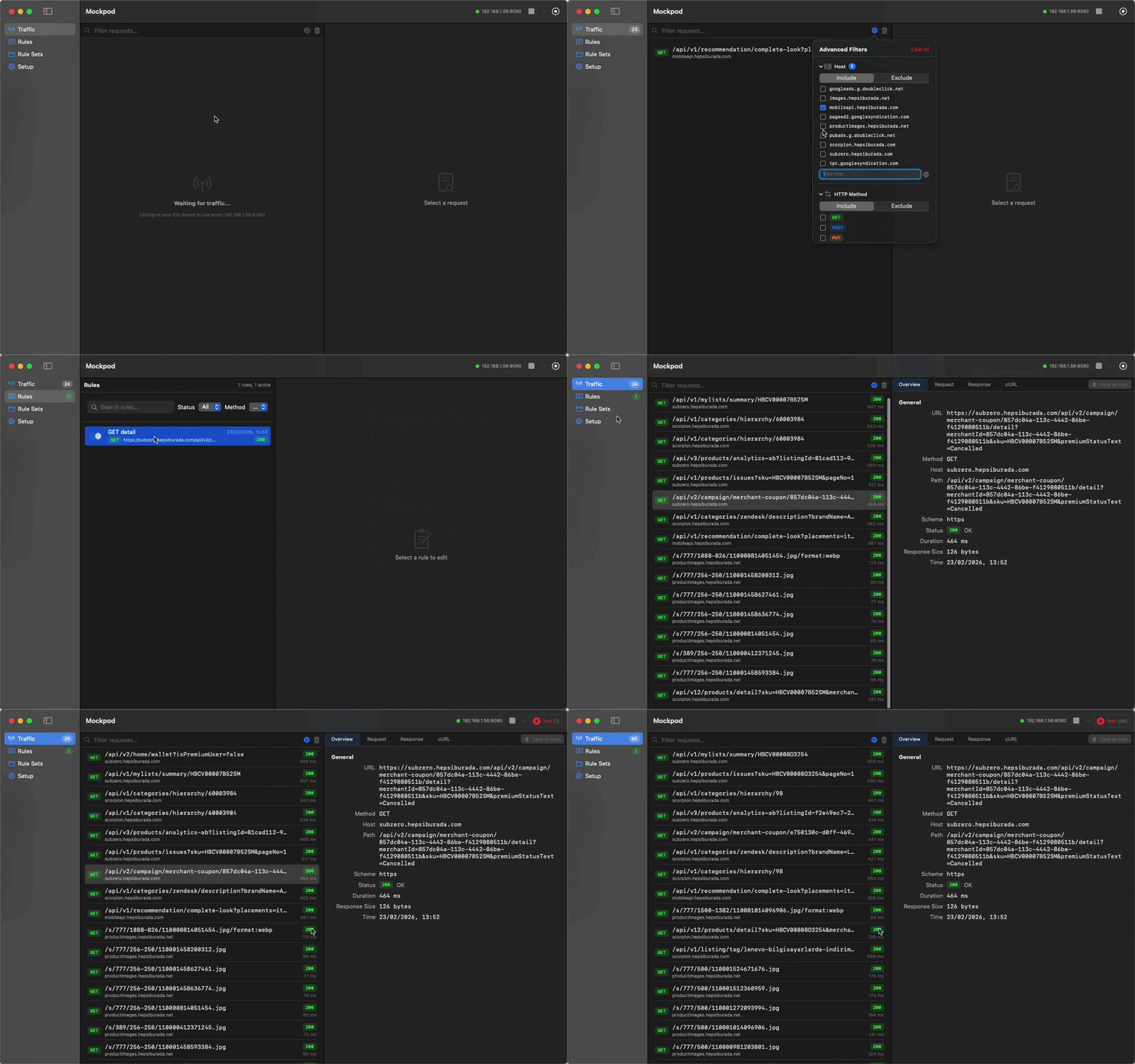
Capture and inspect all HTTP/HTTPS requests and responses flowing through your proxy.
Define rules to mock API responses based on URL patterns, headers, or body content.
Lightweight proxy server built with SwiftNIO for minimal overhead.
Built with SwiftUI, optimized for macOS 14+ with a native, polished interface.
Start recording to capture live traffic and save it as a rule set. Edit individual responses afterward and instantly reuse them for mocking.
Filter traffic by URL, method, host, or status code. Use include/exclude modes to focus on what matters.
Choose your preferred installation method below.
Since Mockpod is distributed outside the Mac App Store, macOS Gatekeeper may quarantine it on first launch. If the app won't open or shows a warning, run this in Terminal:
xattr -cr /Applications/Mockpod.app
Then right-click the app, select Open, and macOS will remember your choice. You can launch it normally afterward.
Get up and running in four steps:
macOS 14.0 (Sonoma) or later.
Found a bug or have an idea? We'd love to hear from you.
Send Feedback